

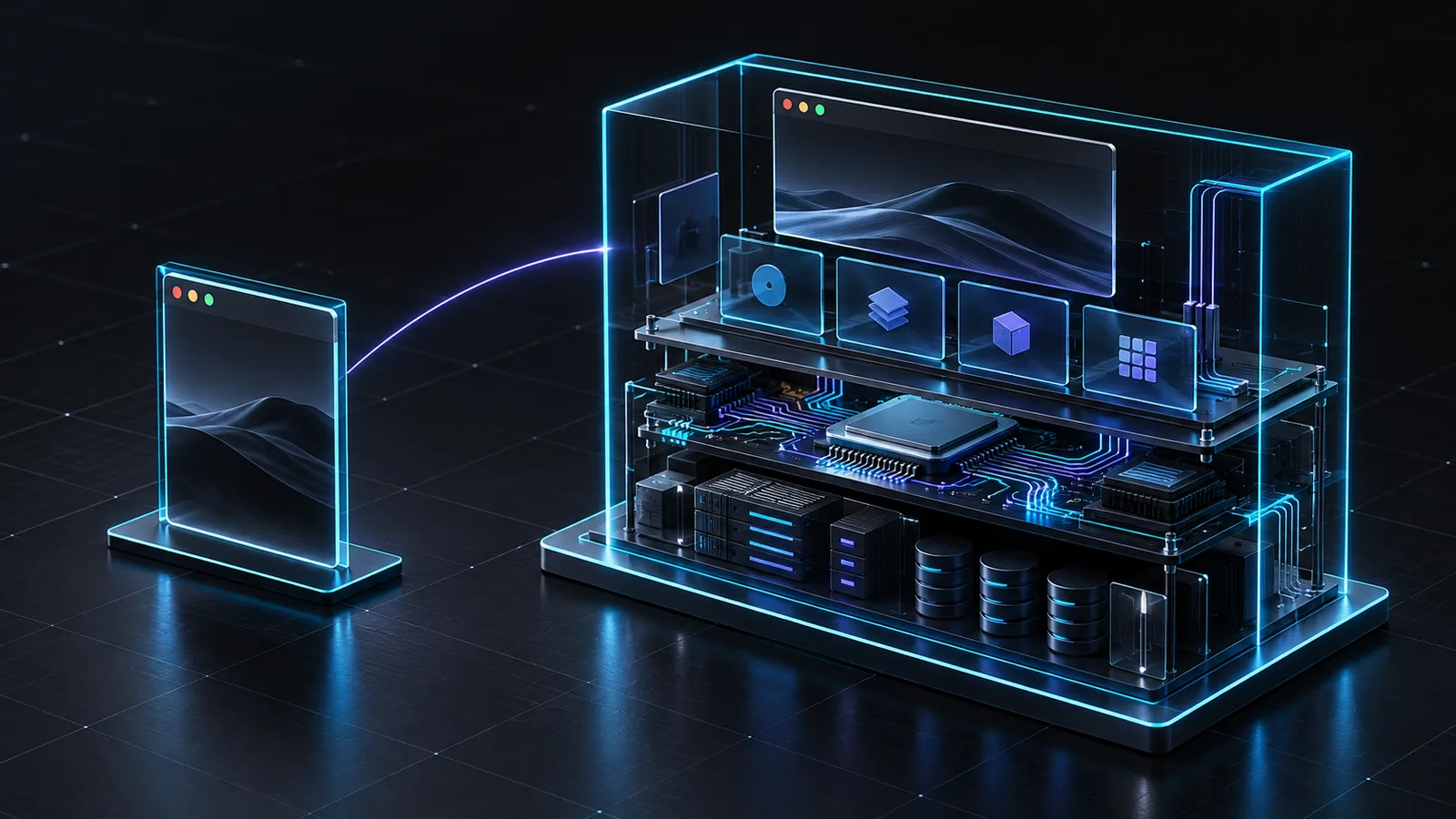
Browser isolation can be an effective control for web-based activity. It separates a browsing session from the endpoint in ways that can reduce exposure to malicious pages and downloads. But some of the most sensitive enterprise work does not begin and end in a browser.
Threat intelligence analysts handle files and specialized tools. Fraud investigators work across accounts, applications, and evidence. Developers test untrusted software. AI teams evaluate workflows that may use credentials, APIs, data, and external tools. In these cases, the browser is only one minor component of the workflow.
What browser isolation is designed to do
Browser isolation focuses on the browser session. Depending on the implementation, web content may execute remotely or be separated from the local endpoint. This can be valuable when the primary risk is interacting with untrusted web content.
The question is whether that boundary matches the work. If an analyst needs a desktop application, a controlled file workflow, persistent project state, collaboration, or governed data transfer, a browser-only control may not cover every operational requirement.
What full-stack isolation means
Full-stack isolation extends the boundary to the wider computing environment. Instead of focusing only on the browser tab, it considers the operating system, applications, network connectivity, files, data, and the ways activity can move into or out of the workspace.
For high-risk work, that broader view matters. A secure environment should be designed around the complete task: what the user or agent can access, which tools are available, what data can move, how activity is observed, and how the workspace is separated from primary enterprise assets.
Full-stack isolation is not a reason to abandon other security controls. It is a way to match the isolation boundary to the actual workflow, alongside identity, policy, monitoring, and approved data-handling practices.
Questions to ask when evaluating isolation
- Does the task require only web access, or also desktop applications and local files?
- Can the workflow interact with untrusted code, documents, or external services?
- What network destinations and enterprise resources can the environment reach?
- How are inbound and outbound data transfers controlled?
- Can authorized teams review activity and preserve relevant records?
- Can the environment be provisioned consistently for multiple users and cases?
These questions help determine whether a browser control is sufficient for a given task or whether a wider isolated workspace is needed.
Full-stack isolation for high-stakes work
Replica Cyber provides full-stack isolated environments for workflows such as AI testing, threat intelligence, fraud investigations, malware analysis, and sensitive collaboration. The platform is designed to help teams perform work that cannot safely touch primary corporate systems while maintaining governance and operational visibility.
The strategic shift is from securing one interface to securing the operation. The goal is to create a place where the work can happen with defined boundaries instead of forcing teams to improvise exceptions.
The right boundary is the one that reflects the work the organization actually needs to do.
Related reading
Frequently asked questions
- What is the difference between browser isolation and full-stack isolation?
- Browser isolation focuses on web sessions. Full-stack isolation extends protection to the broader computing environment, including applications, operating system, network, files, and data movement.
- Do organizations still need endpoint and identity controls?
- Yes. Isolation complements a broader security architecture; it does not remove the need for identity governance, monitoring, policy, or sound operational procedures.
- When should a team consider full-stack isolation?
- Consider it when the workflow extends beyond browsing or requires interaction with untrusted files, specialized applications, external sources, or sensitive data.